

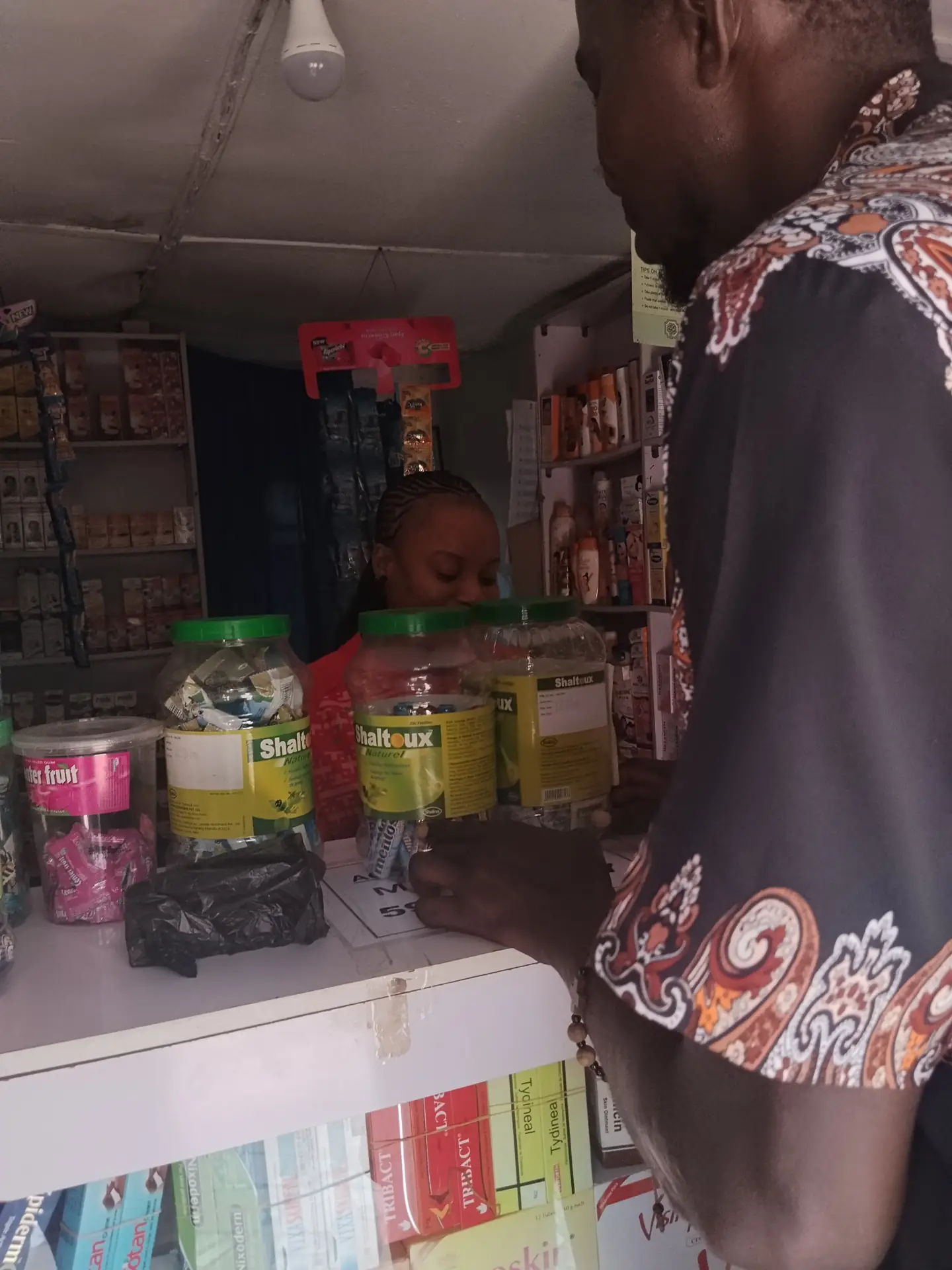
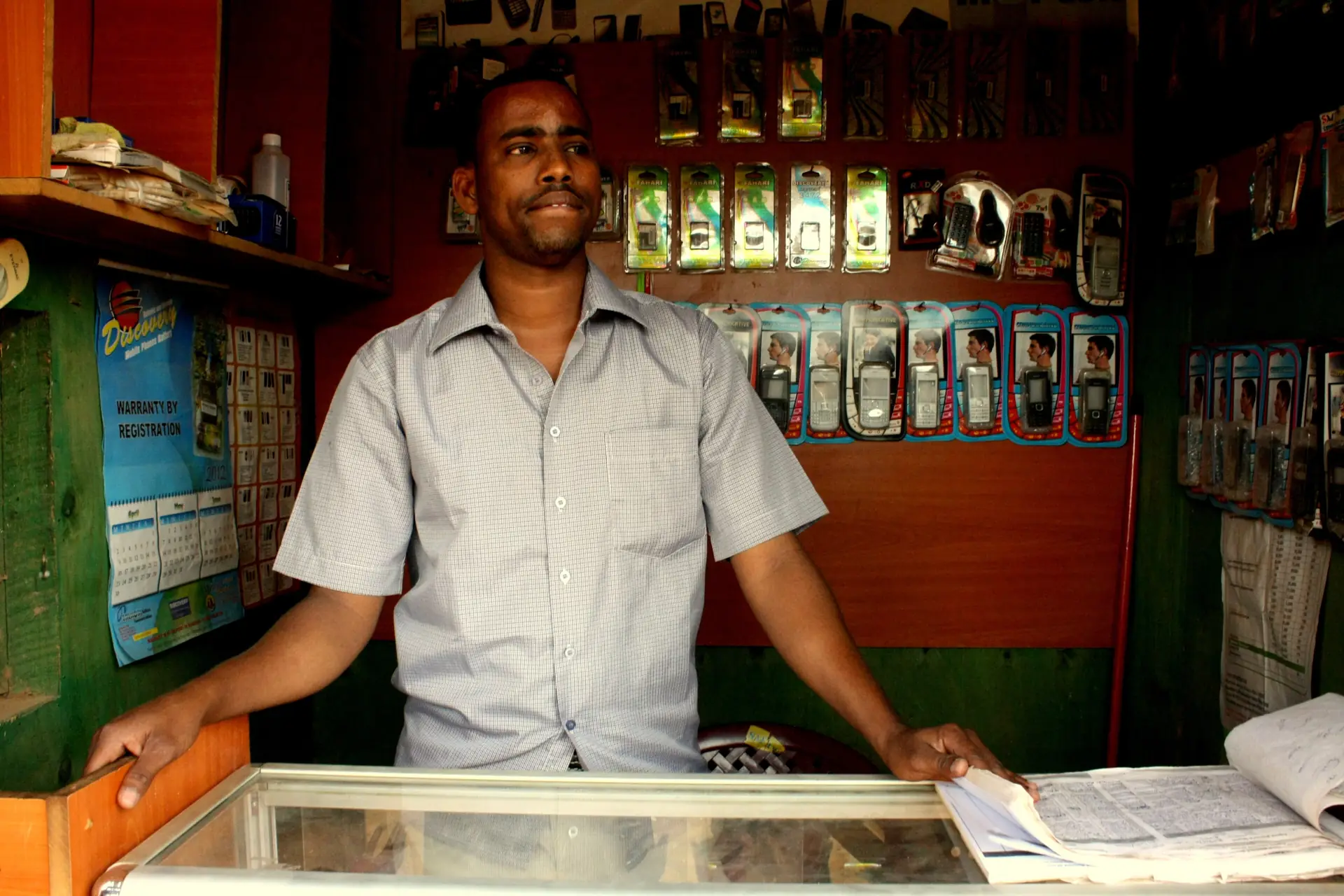
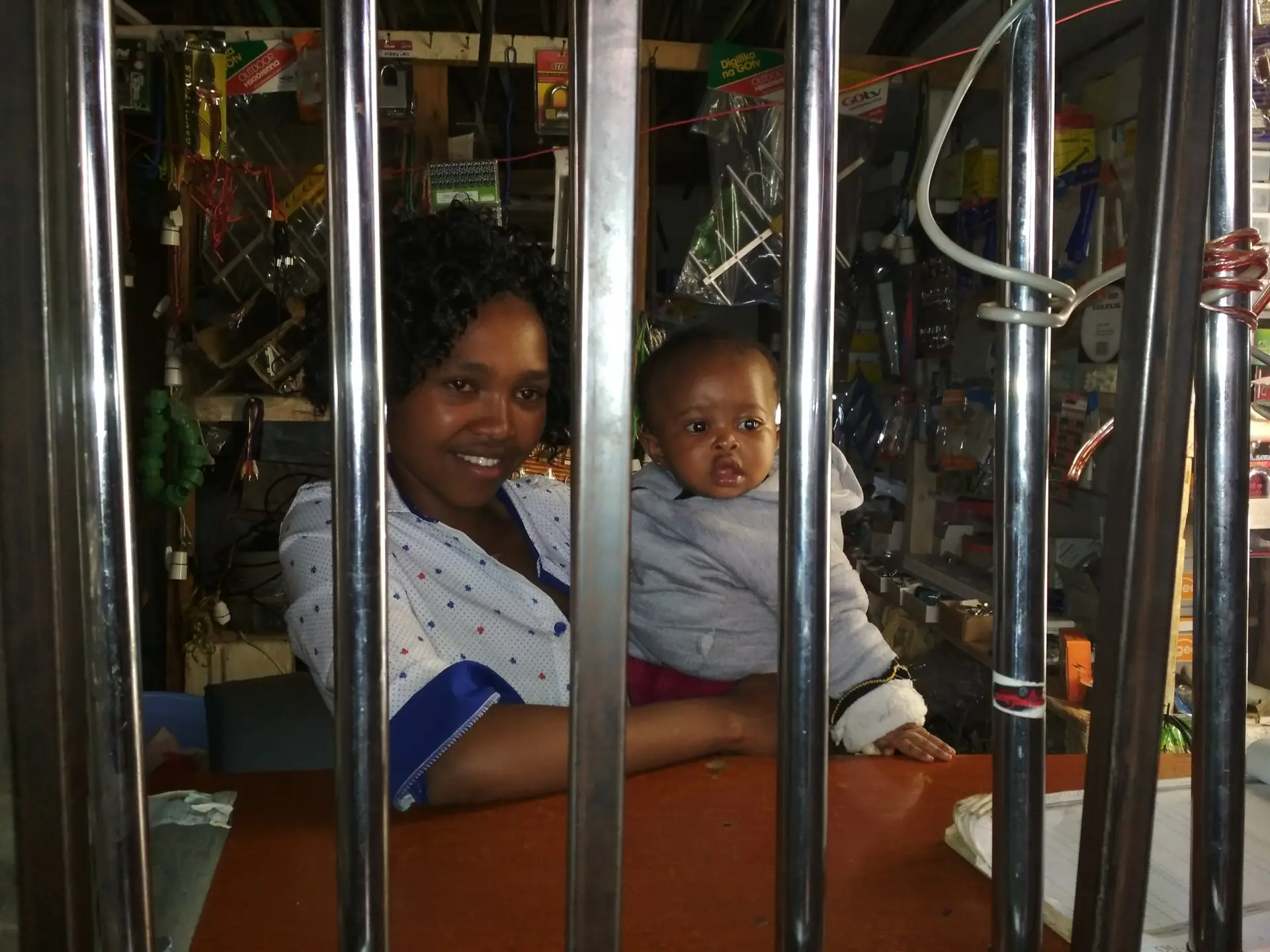
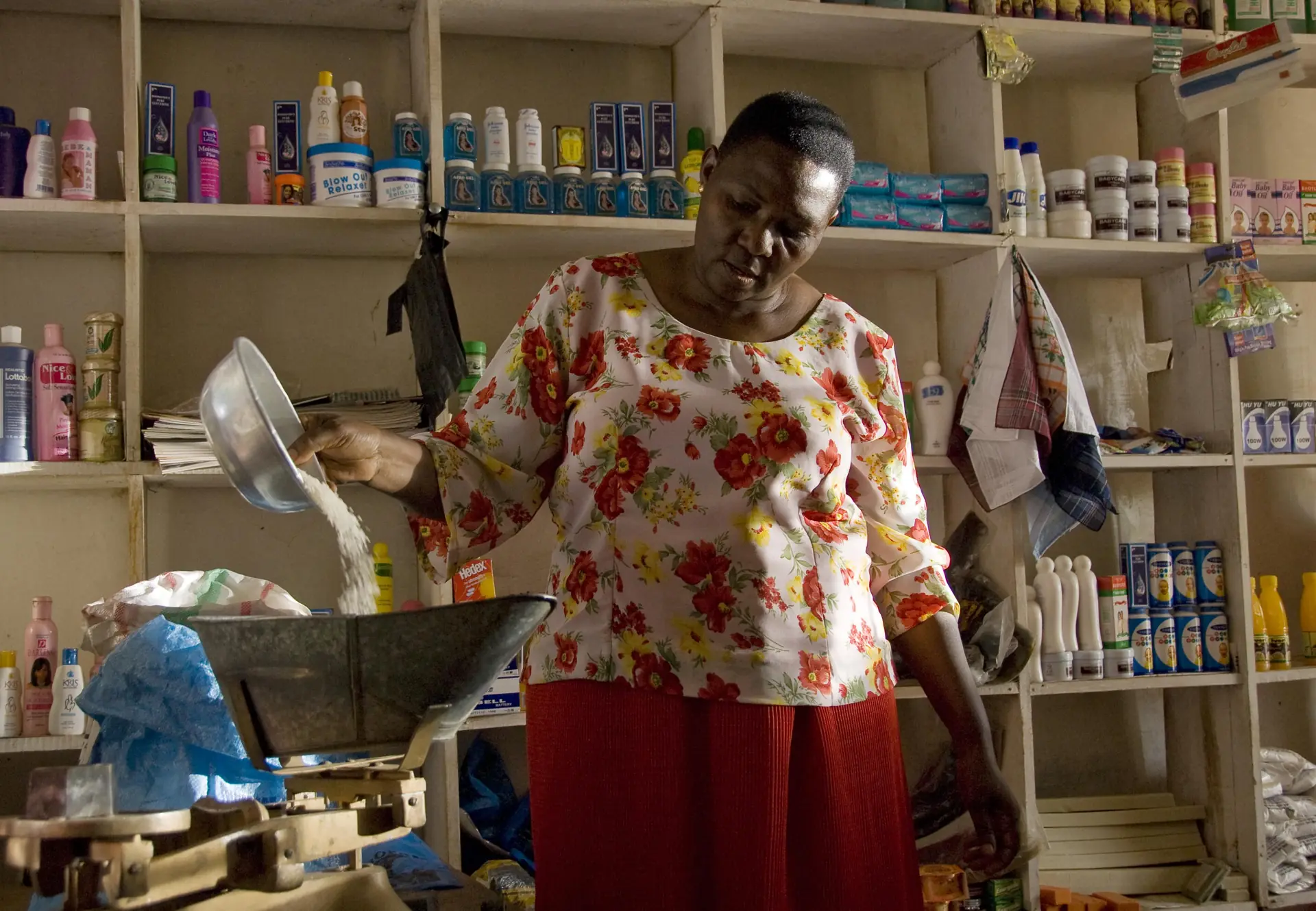
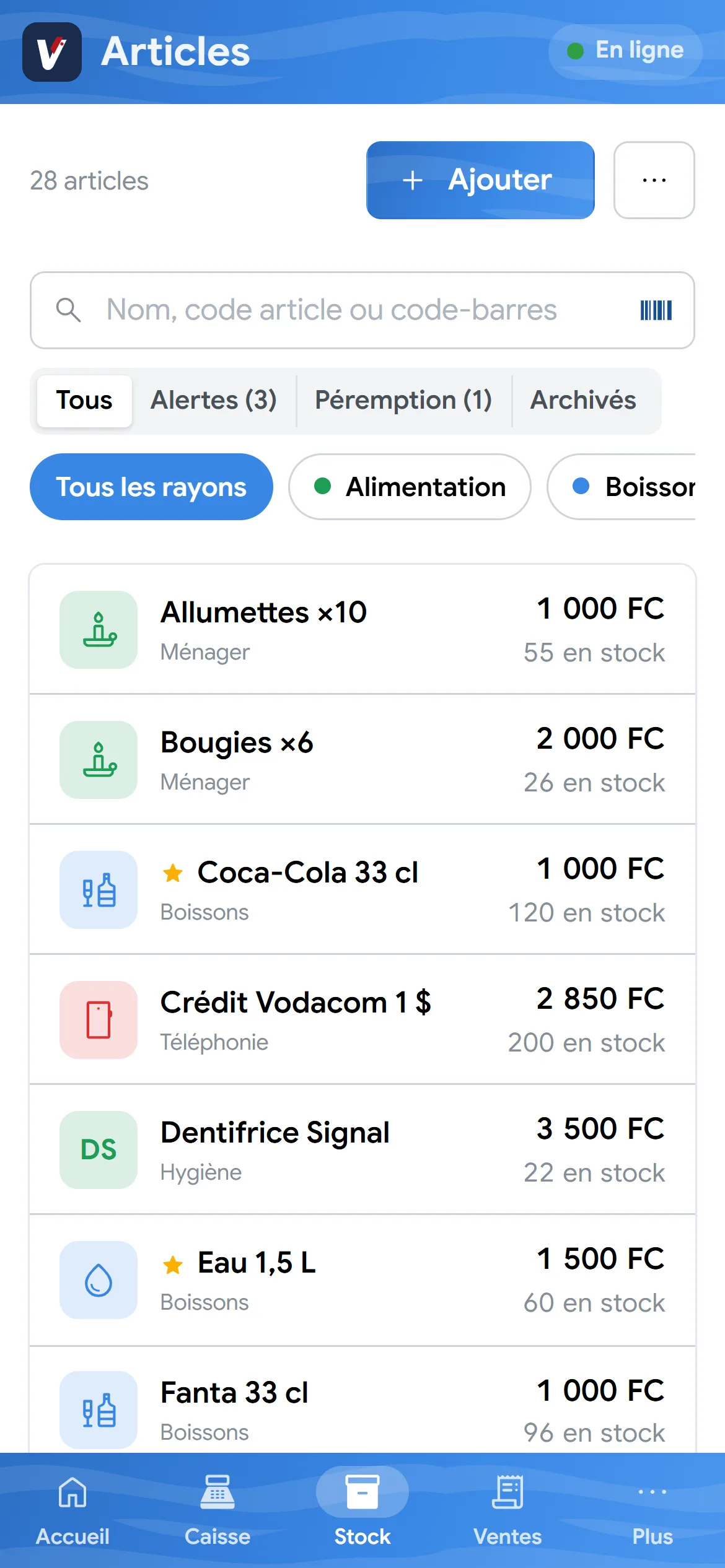
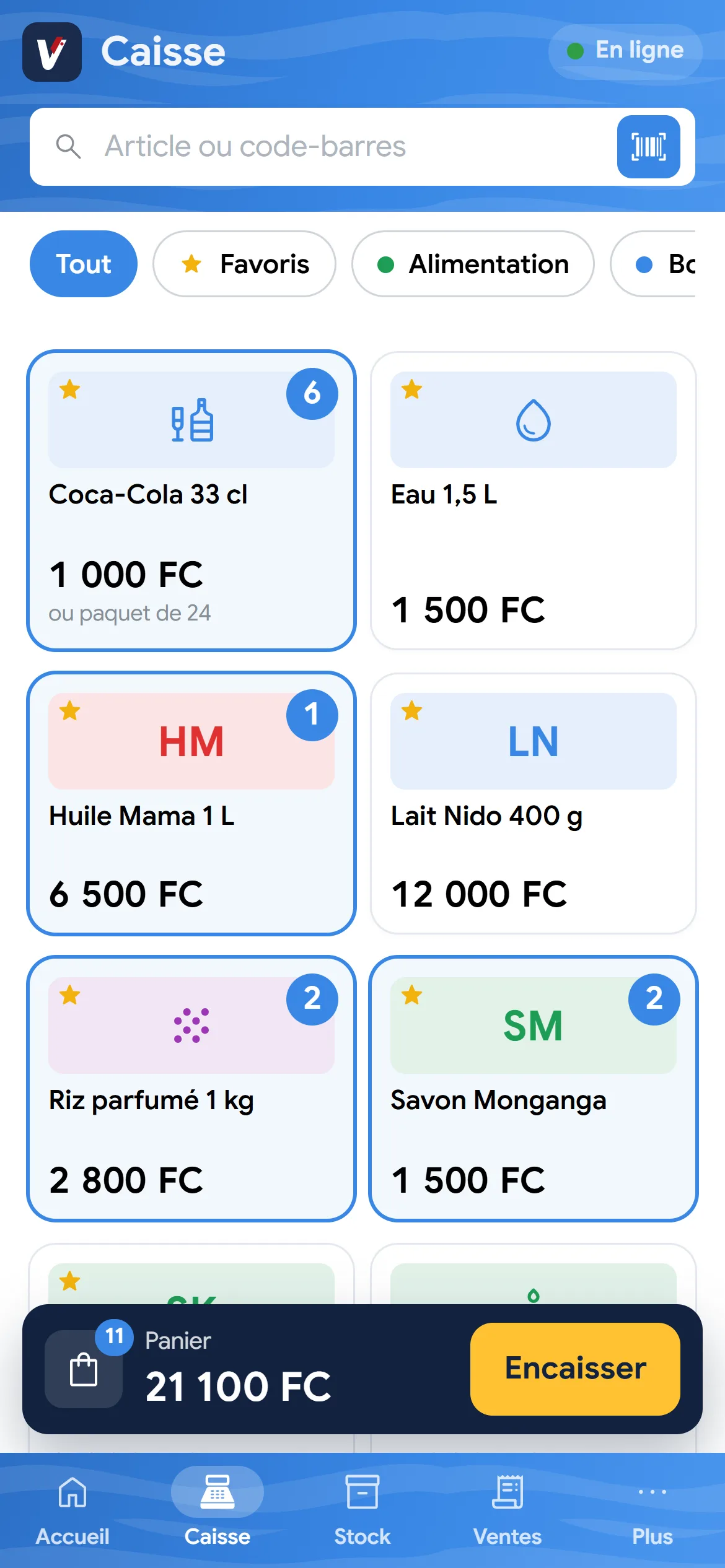
Fast checkout
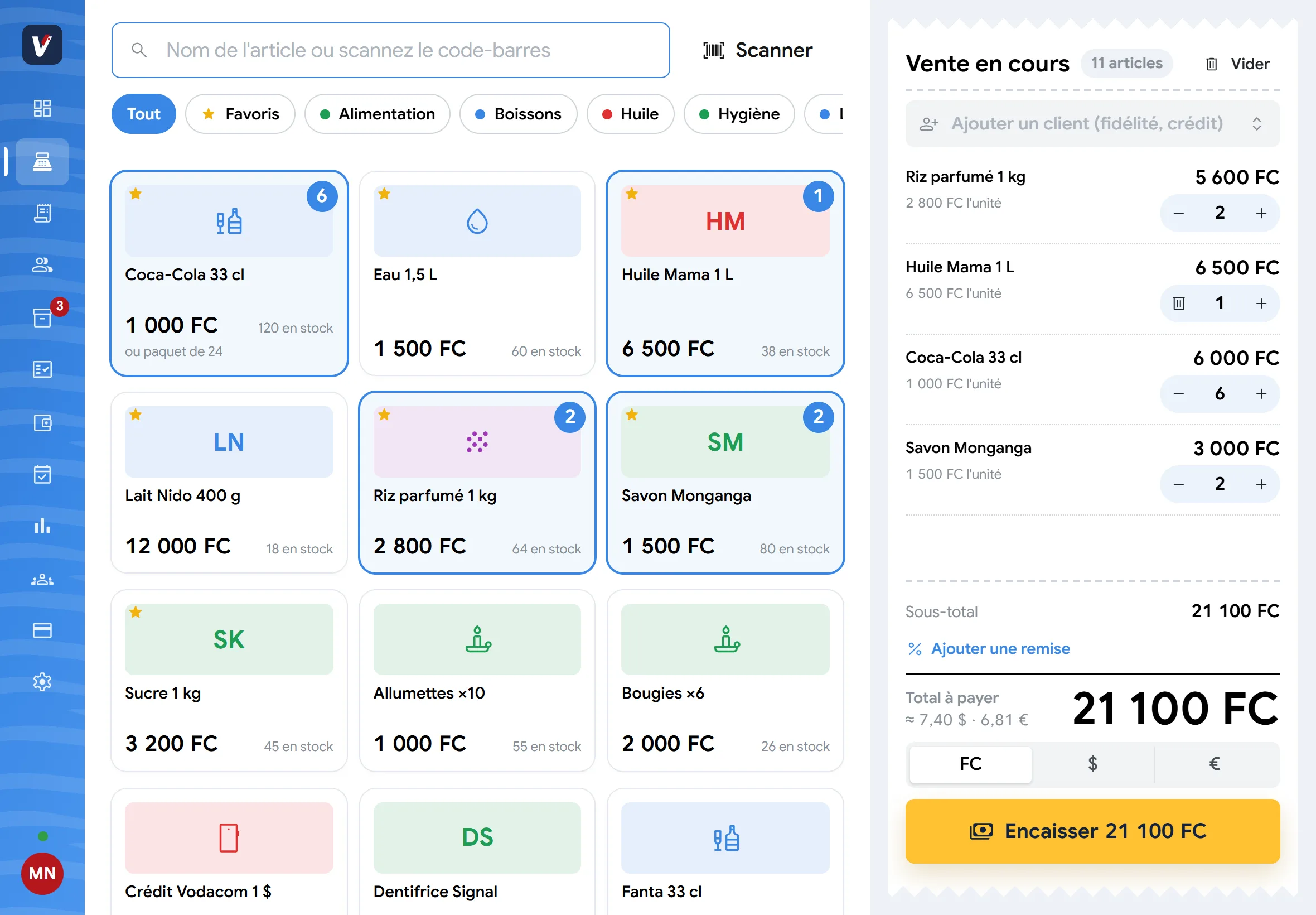
Tap or scan items, take payment in francs, dollars, euros or mobile money. The app works out the change.
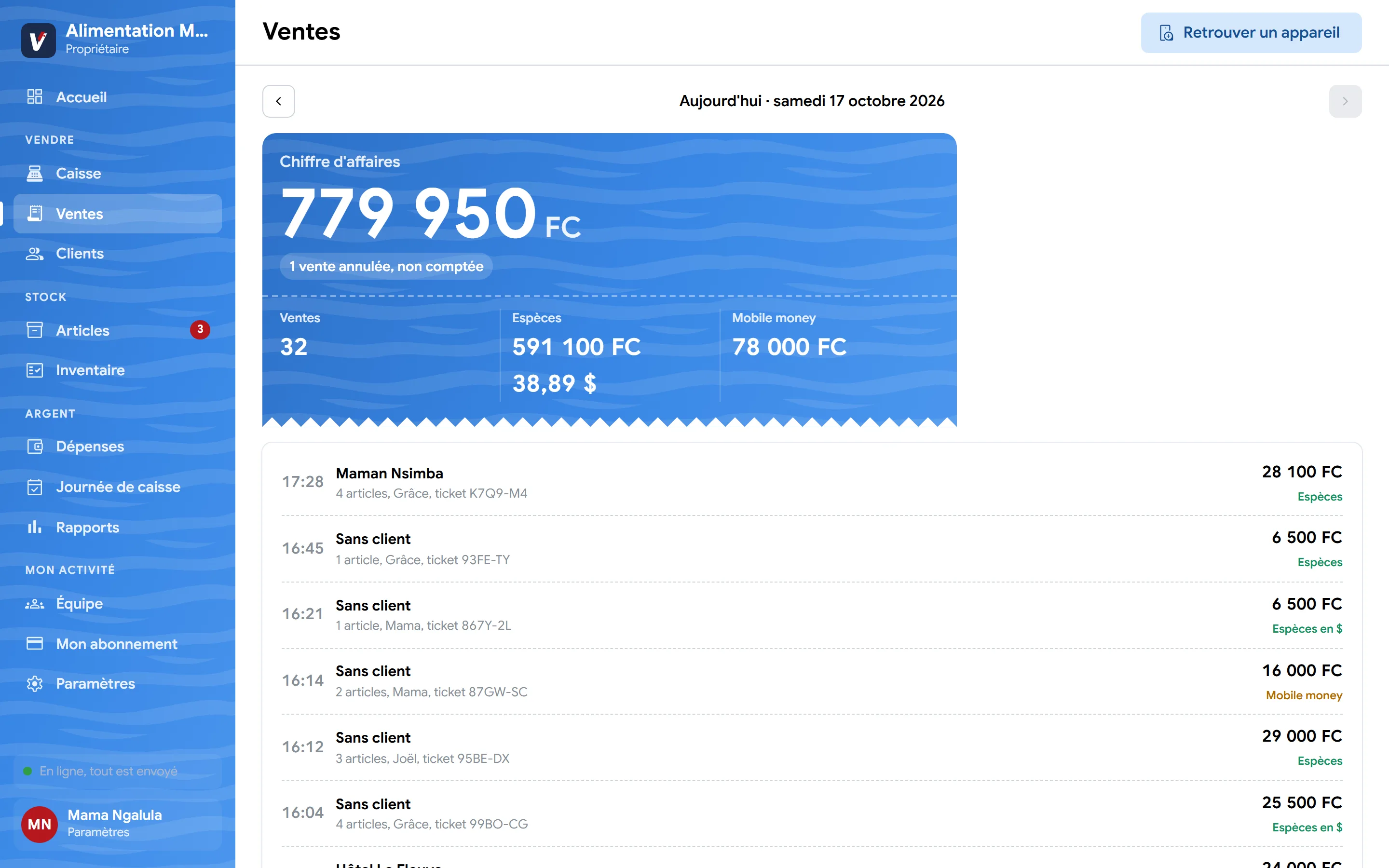
Sales, expenses, profit: everything is worked out while you sell. No more mental arithmetic at closing time.
Why vitePOS
She runs a grocery store in Kinshasa and managed everything in a notebook. Her nephew suggested vitePOS: here is her life before, and after.
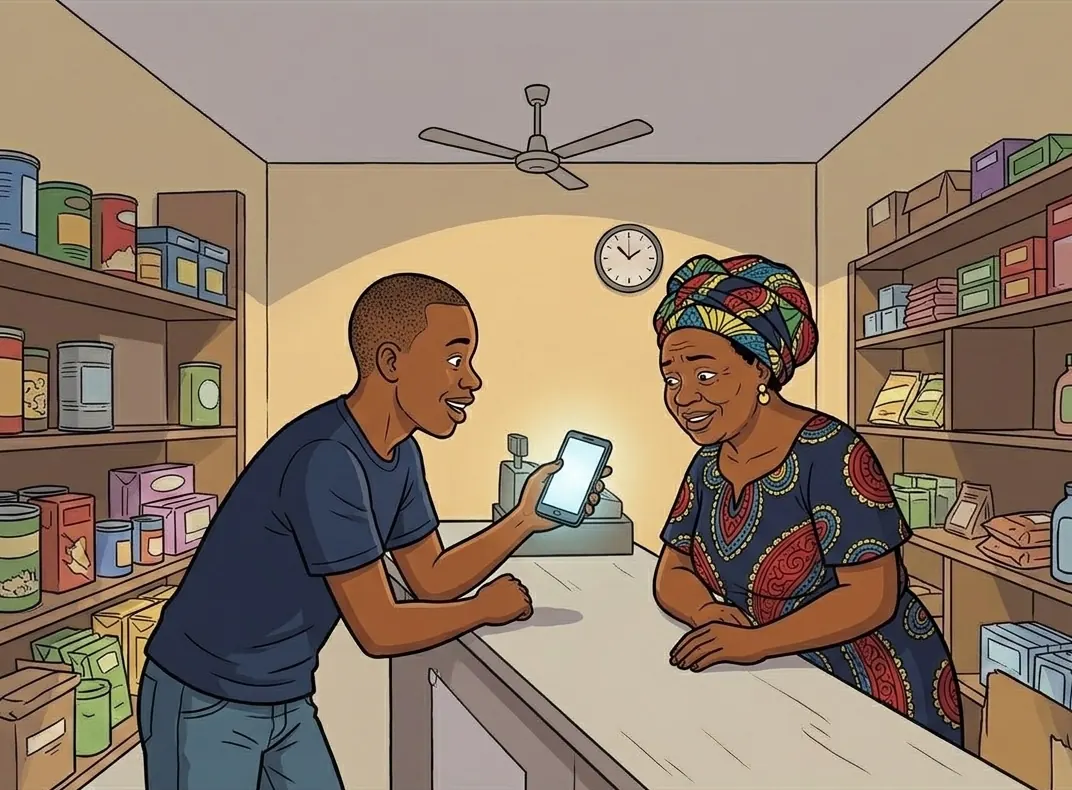
PatrickAuntie, try vitePOS: stock counts itself. And it's free to start.
Maman NgalulaReally? How does it work? Show me!
Less time counting, more time selling.
Start for freeGrâce and Maman Ngalula would never go back to the notebook. Here is what changed.

Maman NgalulaNo more running out, and I see everything on my phone!
GrâceAnd no more Sundays lost counting!
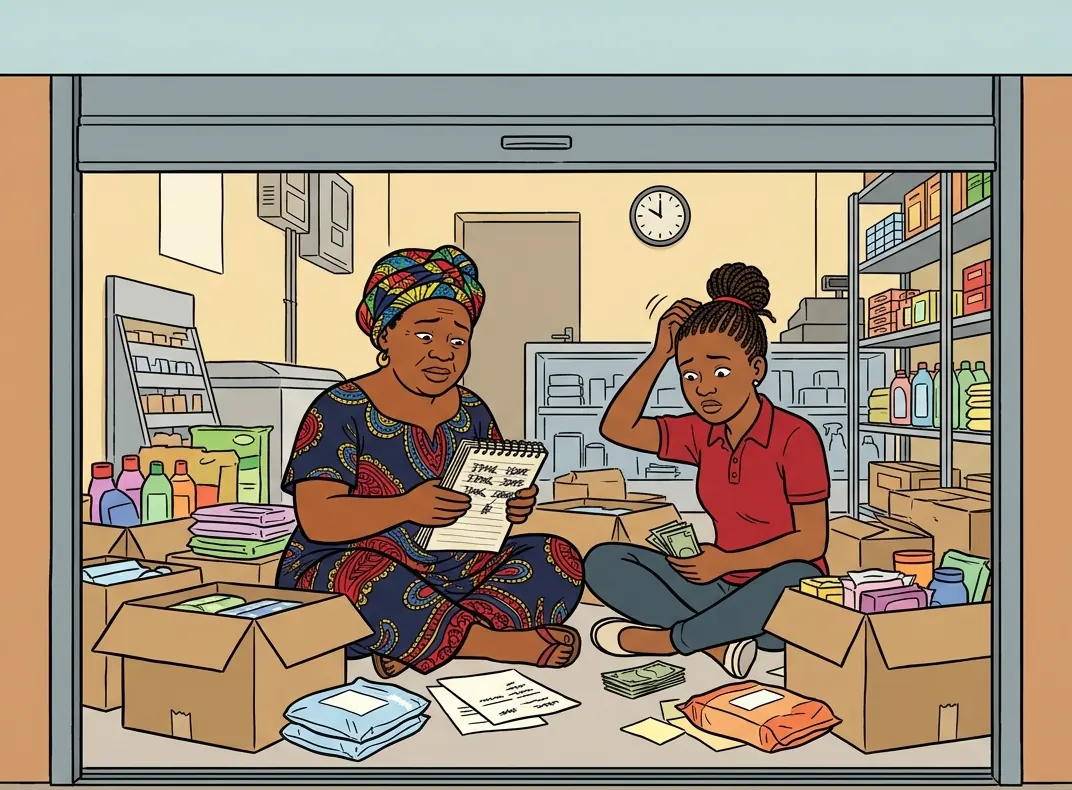
Maman NgalulaA whole Sunday of counting… and we still have to redo the drinks shelf!
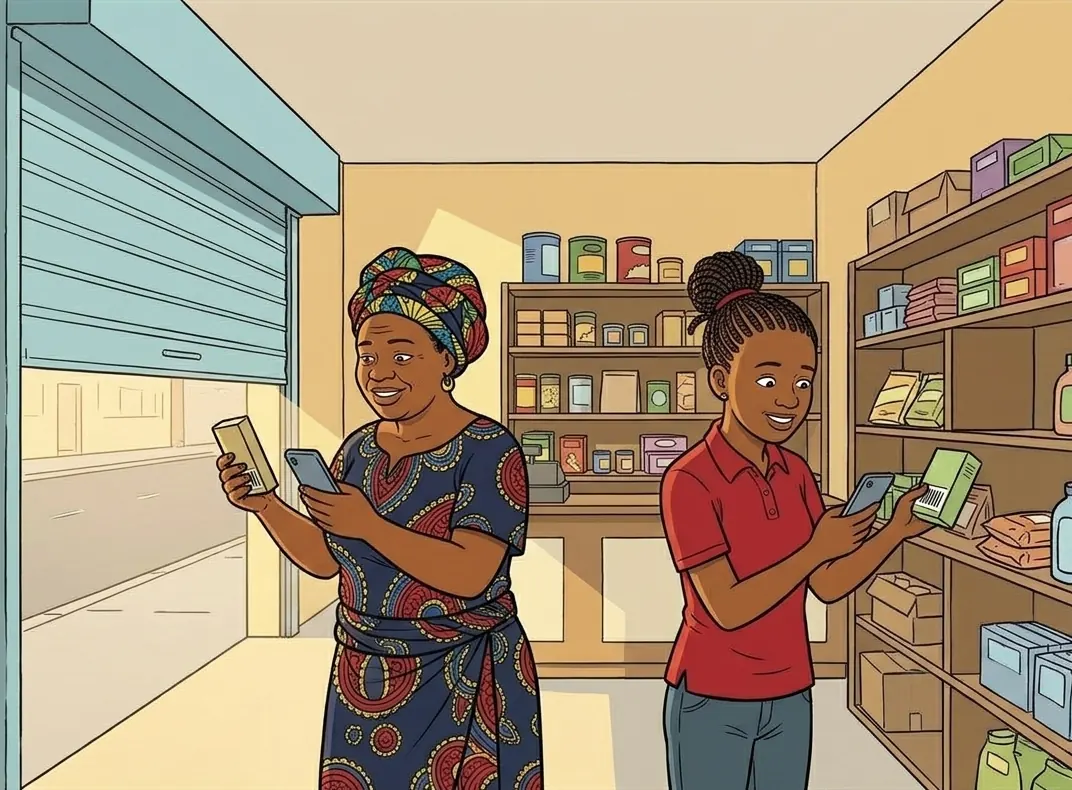
GrâceWe scan the shelf together and the app shows what's missing. Already done!

A customerNo more Nido milk?
GrâceIt's run out… And those tins have expired.
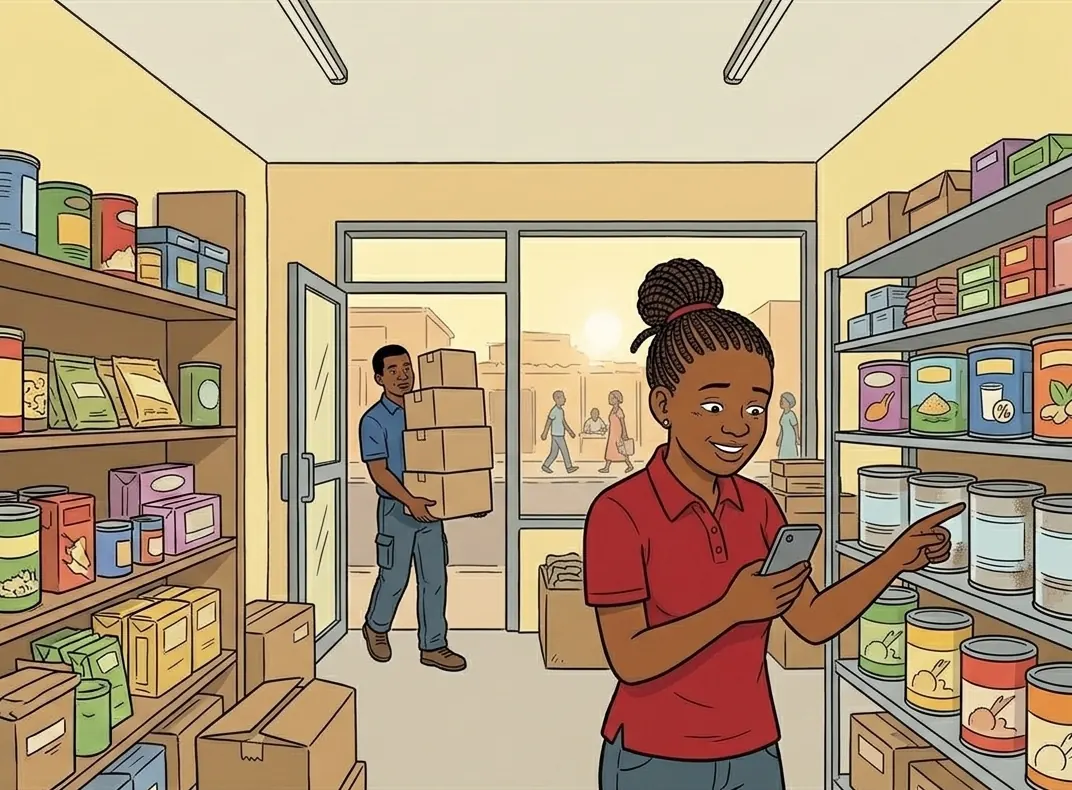
GrâceOnly 6 tins of Nido left, and a batch expires in 30 days: we'll order today.
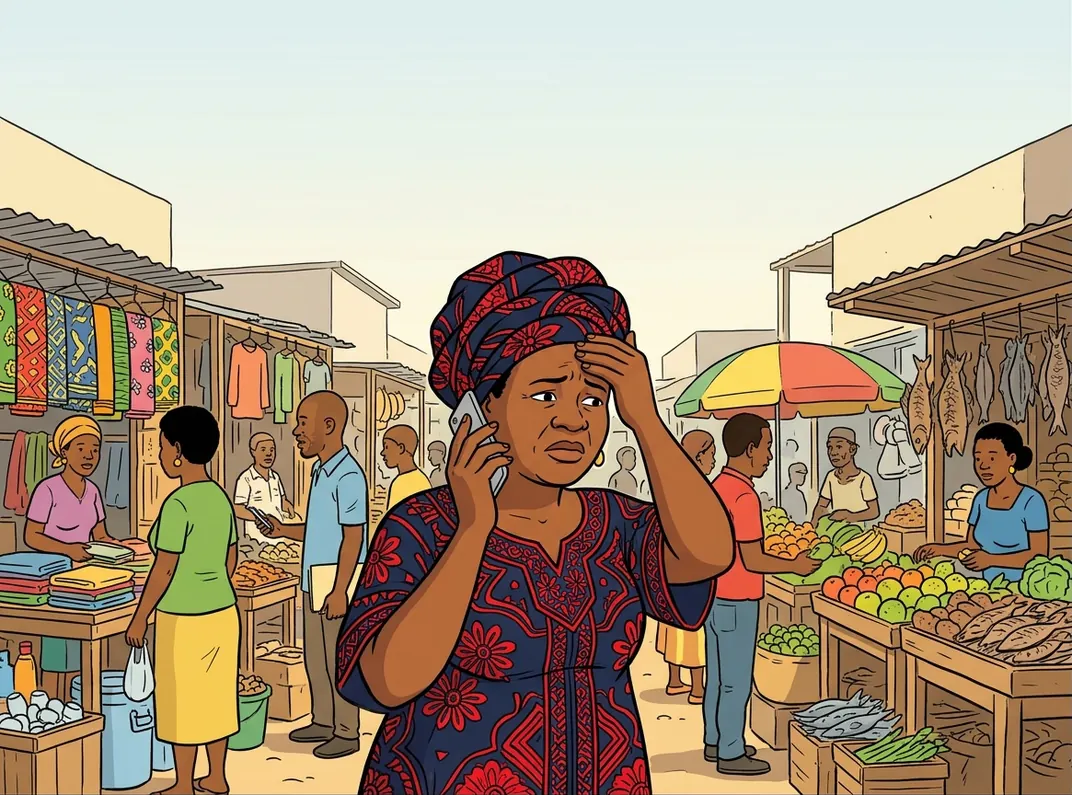
Maman NgalulaGrâce, how much did we sell today? Is there any rice left?

Maman NgalulaSales, profit, stock… I see it all from my phone. And my Sundays are mine again.
Features
The till that takes payment in seconds, in FC, $ or €, and counts your stock for you. As simple as a calculator.
Tap or scan items, take payment in francs, dollars, euros or mobile money. The app works out the change.
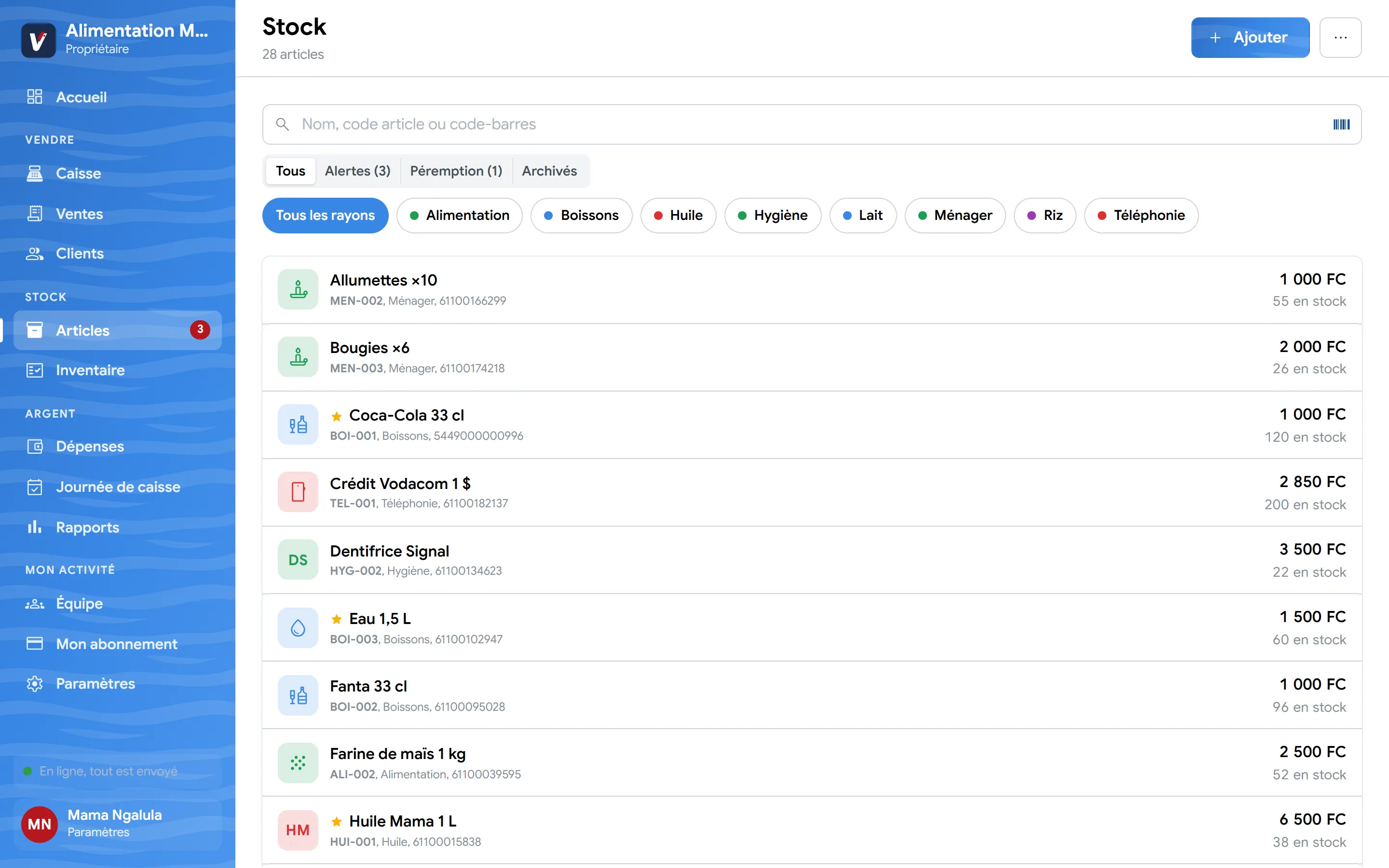
Every sale lowers the stock. You are warned before running out and every movement is tracked.
Print the receipt on a thermal printer or send it to the customer by WhatsApp.
Each seller has their own account. Sellers never see your purchase prices or margins, and a sale cannot be erased.
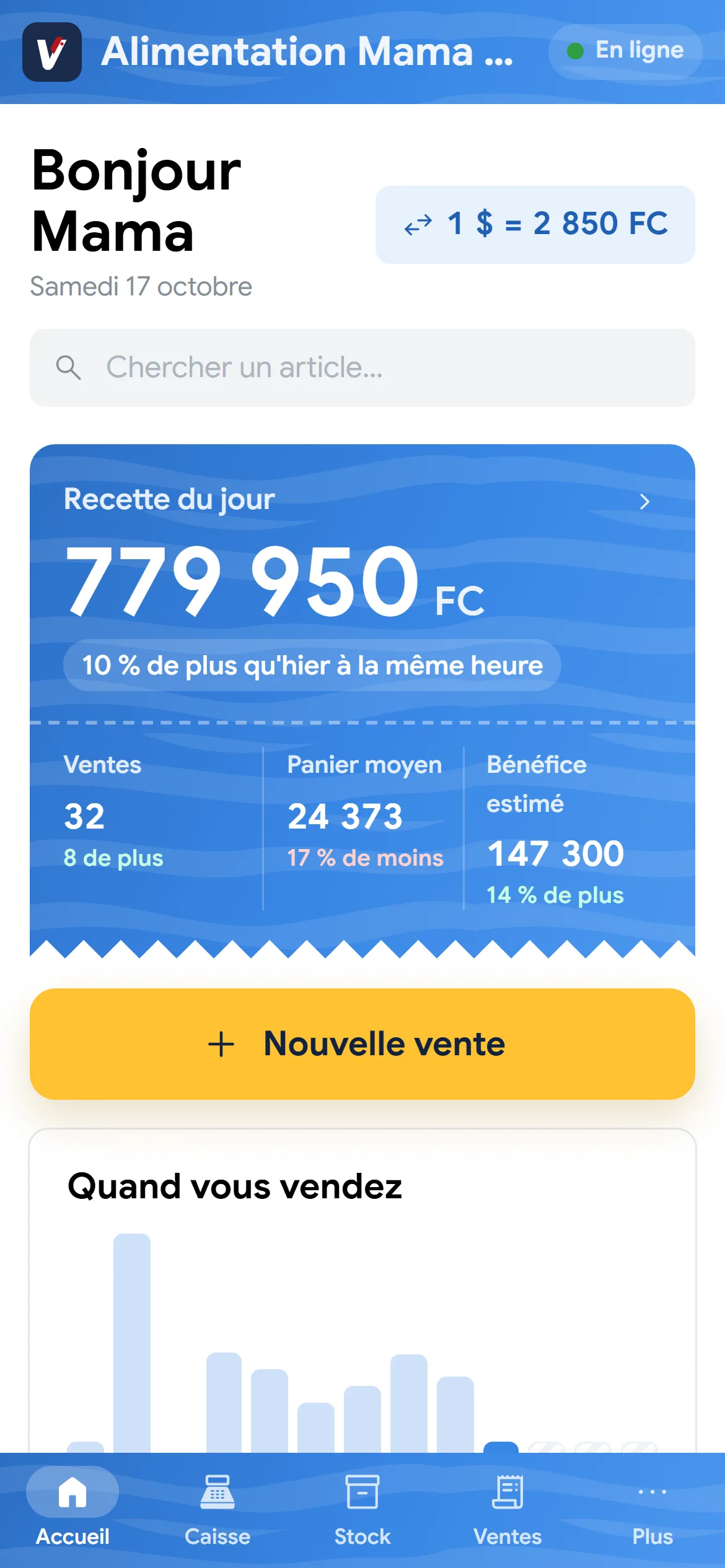
Sales and expenses over the last six months, best sellers, margin: all from your phone.
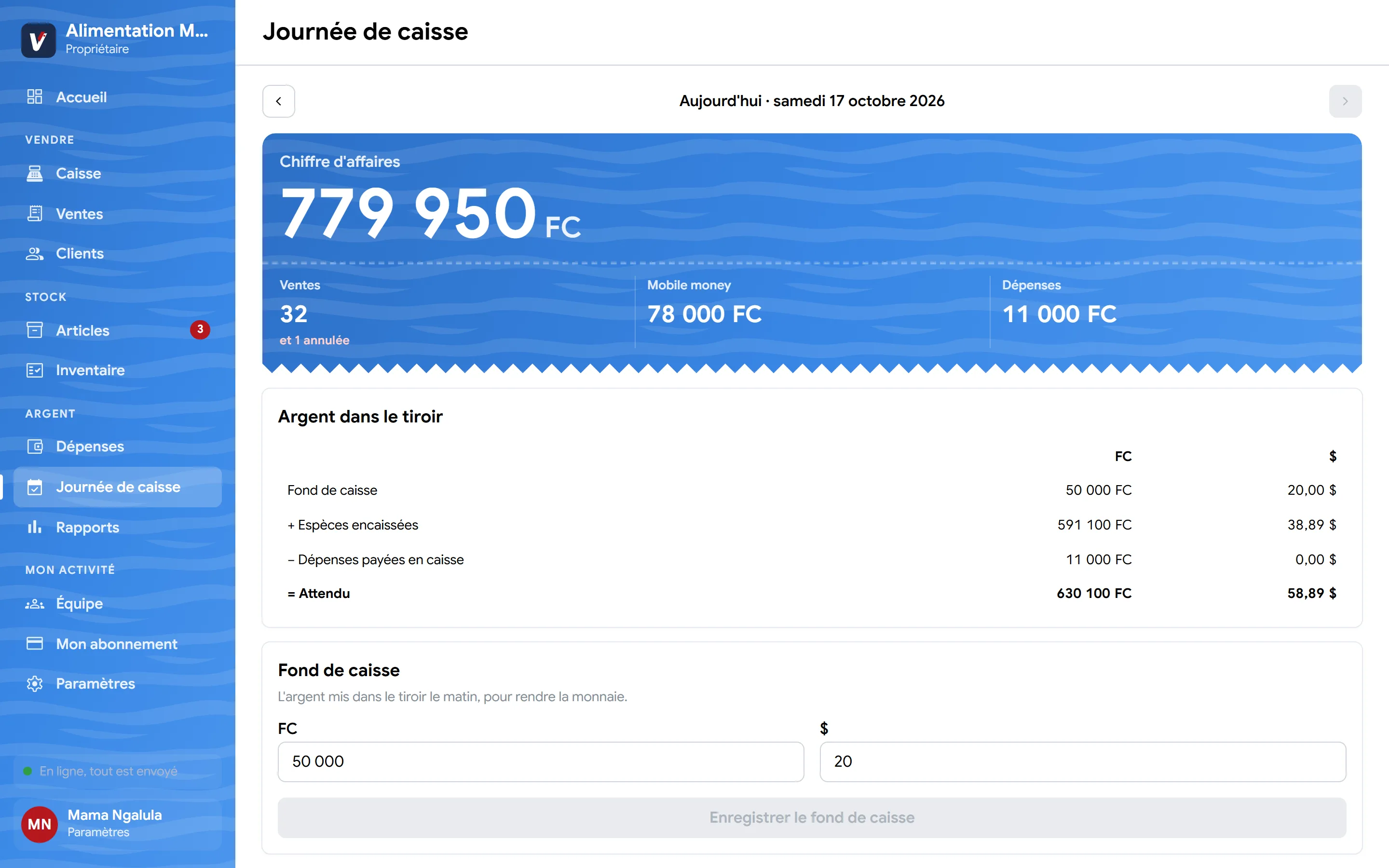
Closing compares the money in the drawer with what was expected, in francs and dollars. Gaps stand out.
Count a shelf by scanning, several people at once. The app shows what is missing and its value before correcting the stock.
Already have a product list? Import it in one go, even with thousands of items.
Preview
Real screens from the app, on phone, tablet and computer.
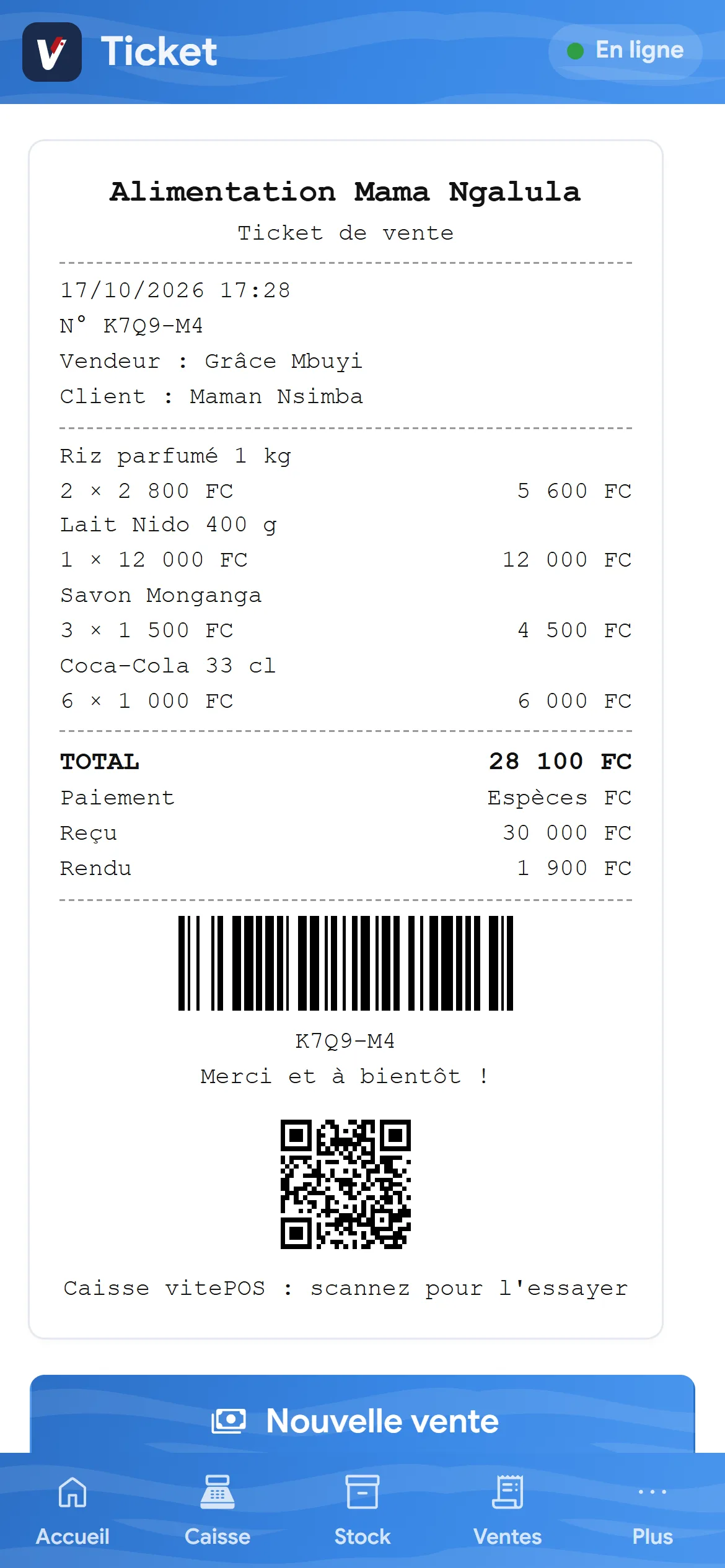
New
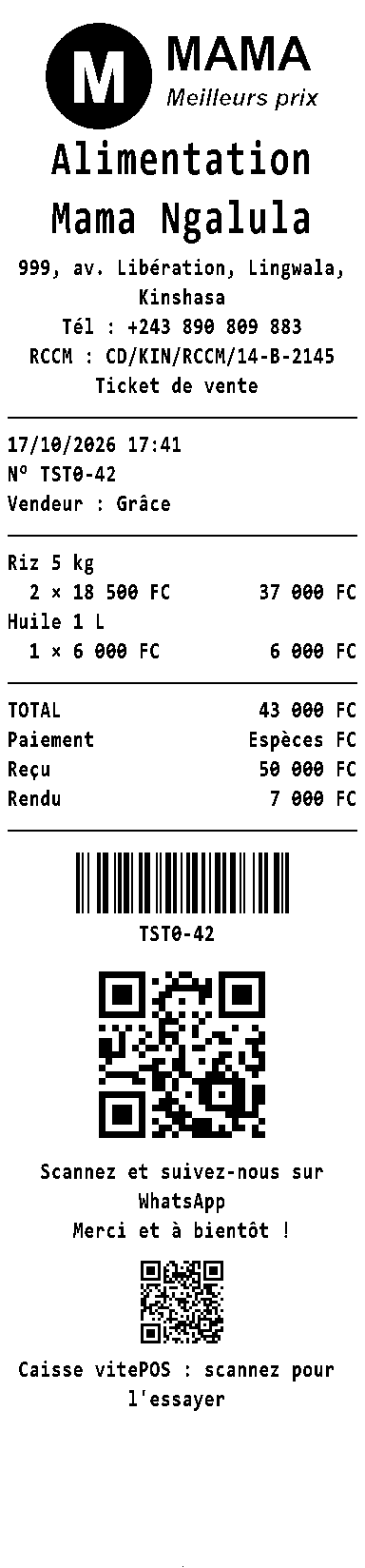
Every sale gives a clear receipt in your name: your customer knows what they paid and where to find you again.
58 and 80 mm thermal printers, over Bluetooth or USB.
Devices
Phone, tablet, computer or POS terminal: vitePOS runs on the device you already have. And everything stays in sync: a sale made at the counter shows up instantly on the other screens.
Who it's for
vitePOS grows with your business.
All sectors
In Kinshasa, Lubumbashi, Kolwezi, Matadi and across the DRC.
Offline
Every sale is kept on the device and sent as soon as the network returns. Even if two tills sell the same item without internet, the stock stays right.
And if a phone is lost or broken, everything already sent is backed up online: sign in on another device and everything is there.
Getting started
Pricing
Free trial: the bigger your plan, the longer the trial. After that, pay by mobile money, monthly or yearly (2 months free).
1 phone
$5 per month
or $50/year
You sell on your own
7 days free
Up to 3 phones
$13.99 per month
or $139.90/year
You and your sellers
14 days free
Most popular
Up to 10 phones
$20.99 per month
or $209.90/year
A team, several tills
21 days free
If you don't pay at the end of the trial, nothing is deleted: your sales and stock stay available to view.
Install
Our team can come to you to install everything and show you how to sell.
Ask for setup Or scan with your phone
Questions
Can't find your answer? The manual explains every screen step by step.
Read the manualIt depends on the number of phones: Solo $5 per month (1 phone), Équipe $13.99 (up to 3), Pro $20.99 (up to 10), Custom beyond that. The trial is free: 7, 14, 21 or 30 days depending on the plan, with every feature. Pay yearly and get 2 months free. Payment by mobile money. Without payment, your data stays viewable and exportable: nothing is deleted.
No. An Android phone or an iPhone is enough. A tablet, a computer, a barcode scanner or a receipt printer can be added if you wish.
Yes. Sales, stock and expenses work without network. You only need internet to create your account.
Nothing to download from a store. Open app.viteposrdc.com on your phone. On Android (Chrome): tap « Installer » in the app, or the ⋮ menu then “Install app”. On iPhone (Safari): tap Share, then “Add to Home Screen”. vitePOS then opens from its icon, full screen, even without internet.
Yes. The owner sets the daily rate, your prices stay in the currency of your choice, and the customer pays in francs, dollars, euros or mobile money. The change is worked out for you.
The app is in French for now; this site, the manual and the brochure are available in English. The manual gives the meaning of every French button.
Each business is kept separate from the others and backed up online. Each employee has their own account and only sees what you allow.
Contact
Our team in Kinshasa answers on WhatsApp: questions, help getting started, a demo in your business.